The KODAK Slide N Scan Max is designed to make home digitizing of old slides and negatives more direct, with a feed tray, one-touch adjustments, and saving to an SD card.
This kodak slide n scan max review looks at its format coverage and standalone workflow, along with the resolution details buyers should weigh before scanning a large archive.
Slide N Scan Max Review Summary
The quick verdict
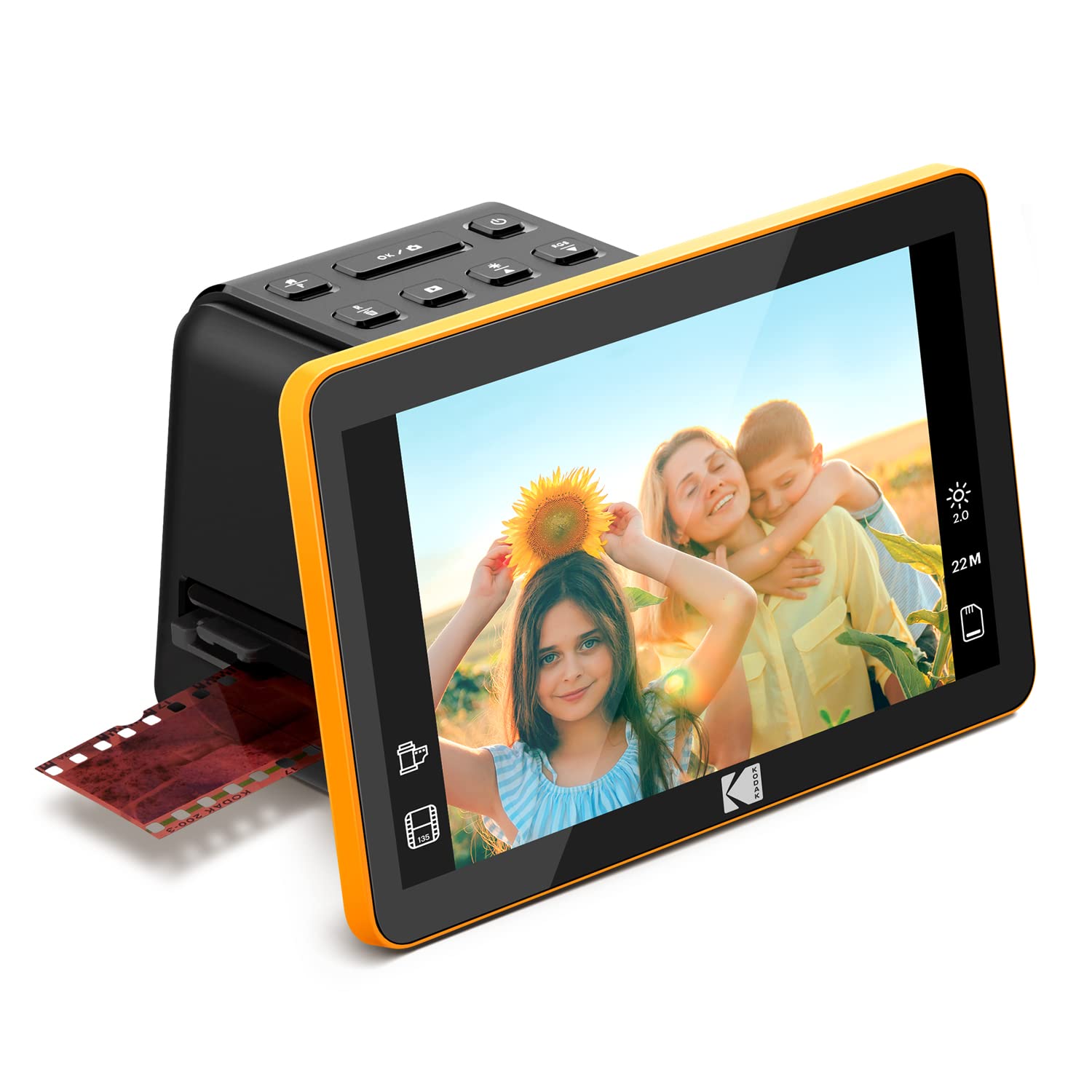
1,000+ ratings
Read Amazon ReviewsKODAK Slide N Scan Max
A practical fit for digitizing mixed 35mm, 110, and 126 film collections without making a computer central to every scan.
- Supports 135, 110, and 126 film formats, including slides and color or black-and-white negatives.
- Uses a CMOS sensor listed at 13MP, with output up to 4208 × 3120 through 22MP interpolation.
- Saves scans directly to SD or SDHC cards up to 32GB.
- A smooth-moving tray is designed to feed film with less frequent repositioning.

Pros
- Supports three common film formats in one device.
- Direct-to-card saving keeps the core scanning process independent of a computer.
Consider before buying
- SD or SDHC card capacity tops out at 32GB, so large archives may require transferring scans and managing storage in batches.
- The listed 3200 resolution and output up to 4208 × 3120 with interpolation are different figures; buyers focused on fine detail should clarify which capture settings matter for their intended prints.
Read the full review summary
The Slide N Scan Max combines support for 135, 110, and 126 film with both color and black-and-white negatives, plus slides.
Its moving tray is meant to keep film feeding without repeatedly repositioning it, which may make a box of mixed family photographs less fiddly to work through.
It can save directly to an SD or SDHC card up to 32GB, so a computer does not need to be part of the scanning workflow.
The 13MP CMOS sensor and output up to 4208 × 3120 with interpolation offer a useful basis for sharing and everyday prints, while the listed resolution of 3200 is a separate specification worth clarifying if fine-detail output is a priority.
The buying factors
Slide N Scan Max Scorecard
Editorial scores reflect listed features and buyer fit; they are not laboratory measurements or customer ratings.
Film format coverage
Handles 135, 110, and 126 film, including slides and color or black-and-white negatives.
Standalone workflow
Direct SD/SDHC saving supports scanning without a computer in the workflow.
Loading convenience
A smooth-moving feed tray is designed to reduce repeated repositioning.
Image output flexibility
The product pairs a 13MP CMOS sensor with output up to 4208 × 3120 using interpolation; the separate 3200 resolution detail may need clarification for demanding output needs.
On-device editing
One-touch resize, conversion, and image adjustments aim to simplify basic editing.
Setup clarity
A Windows 7 minimum requirement is listed, while the description does not clarify broader operating system support or the exact role of USB.
Key Features and Specifications of Slide N Scan Max
- Supports 135, 110, and 126 film formats, including slides and color or black-and-white negatives.
- Uses a CMOS sensor listed at 13MP, with output up to 4208 × 3120 through 22MP interpolation.
- Saves scans directly to SD or SDHC cards up to 32GB.
- A smooth-moving tray is designed to feed film with less frequent repositioning.
- One-touch capture software provides image resizing, conversion, and adjustments.
- Compact body measures 6.69 × 5.35 × 4.45 inches and weighs 16 ounces.
- The listed warranty is one year limited; minimum system requirements specify Windows 7.
Pros and Cons of Slide N Scan Max
Pros
- Supports three common film formats in one device.
- Direct-to-card saving keeps the core scanning process independent of a computer.
- Feed-tray design aims to make continuous loading less interrupted.
- One-touch controls cover basic resizing, conversion, and adjustment without complex menus.
Consider before buying
- SD or SDHC card capacity tops out at 32GB, so large archives may require transferring scans and managing storage in batches.
- The listed 3200 resolution and output up to 4208 × 3120 with interpolation are different figures; buyers focused on fine detail should clarify which capture settings matter for their intended prints.
- The minimum system requirement names Windows 7, but the description does not specify support for other operating systems. Check compatibility if you plan to connect it to a computer.
Who Should Buy Slide N Scan Max?
Good fit
Consider it if you want a dedicated home scanner for a collection that mixes 135, 110, and 126 slides or negatives.
Support for both color and black-and-white negatives makes it suitable for varied family archives, while the feed tray is intended to reduce the stop-and-adjust routine during a batch.
The direct SD/SDHC workflow is particularly useful if you want to save scans without keeping a computer connected.
The one-touch editing tools also suit people who need straightforward resizing and image adjustments before organizing or sharing the resulting files.
Before choosing, match the output details to your plans.
The stated maximum uses interpolation, while the separate resolution figure is 3200; if you expect to make larger prints or preserve fine detail for extensive editing, confirm that the scanner's available output meets your standards.
Who should skip it
Look elsewhere if your film collection relies on formats beyond 135, 110, and 126, or if you need a clearly stated workflow for formats not listed here.
It may not be the right fit if your scanning plan depends on a particular computer operating system beyond the listed Windows 7 minimum. Check compatibility before purchase, especially if computer transfer is essential to your workflow.
What the Slide N Scan Max Means for a Home Film Archive
Mixed-format collections
The format range is a practical strength for households with slides and negatives from different cameras or decades.
Because 135, 110, and 126 are all supported, a buyer can handle several common kinds of film with one scanner; it is still sensible to sort the archive by format before starting so each batch is ready for the appropriate feed process.
A computer-free scanning routine
Direct saving to an SD or SDHC card up to 32GB can simplify a basic digitizing session: scan, remove or transfer the card, and organize the files separately.
This reduces dependence on a computer during capture, though card capacity is a real planning constraint for a large archive. Check how many files you expect to make and how you want to move them into long-term storage.
Reading the resolution figures
The scanner lists a 13MP CMOS sensor and image output up to 4208 × 3120 using interpolation, alongside a separate resolution figure of 3200.
These numbers describe different aspects of output, so the maximum interpolated dimensions should not be treated as a guarantee of equivalent captured detail.
If you plan to crop heavily or make large prints, review the available settings and sample output for your intended use.
Simple controls, bounded editing
One-touch resizing, conversion, and adjustments favor a straightforward workflow over a complex editing interface.
That approach can be convenient for basic family-photo archiving, but buyers who require detailed color correction or advanced retouching should consider whether they intend to do further work with separate image software after saving the scans.
Alternatives to Slide N Scan Max
Slide & Negative Scanners alternative
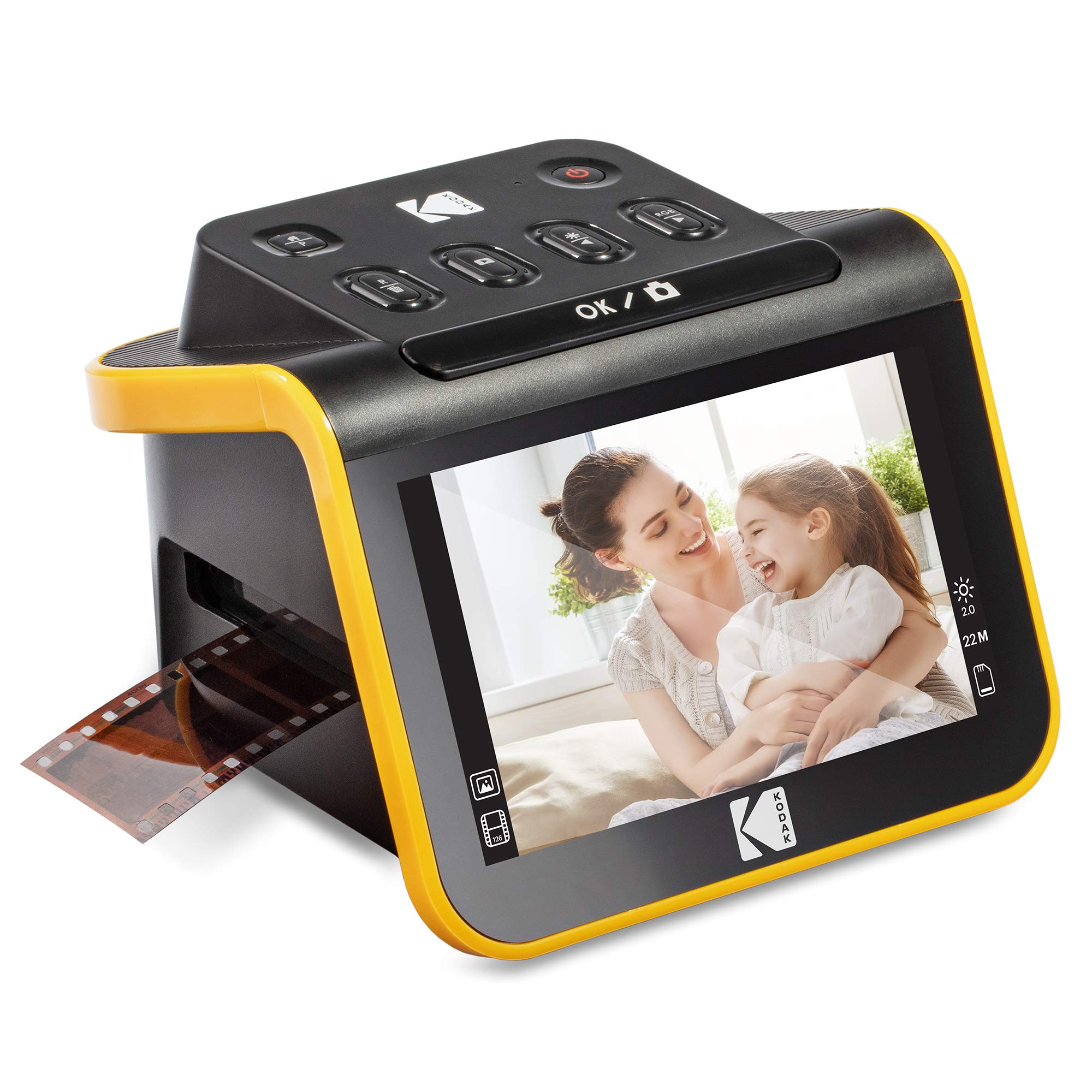
12,000+ ratings
Read Amazon ReviewsKODAK Slide N Scan Film & Slide Scanner
Choose the Max if its 13MP CMOS sensor, interpolated output, and direct card workflow suit your priorities.
Consider this alternative if seeing scans on a built-in 5-inch display or having 50mm slide support and the listed accessories matters more.
- This Slide N Scan model supports 135, 110, and 126 formats plus 50mm slides, includes a 5-inch LCD with gallery mode, and can connect to a Type-C USB-enabled computer.
- Its included accessories include film adapters, a cleaning brush, and USB and HDMI cables.
- The Slide N Scan Max supports 135, 110, and 126 film, saves directly to an SD/SDHC card up to 32GB, and uses a feed tray designed for continuous loading.
Slide & Negative Scanners alternative
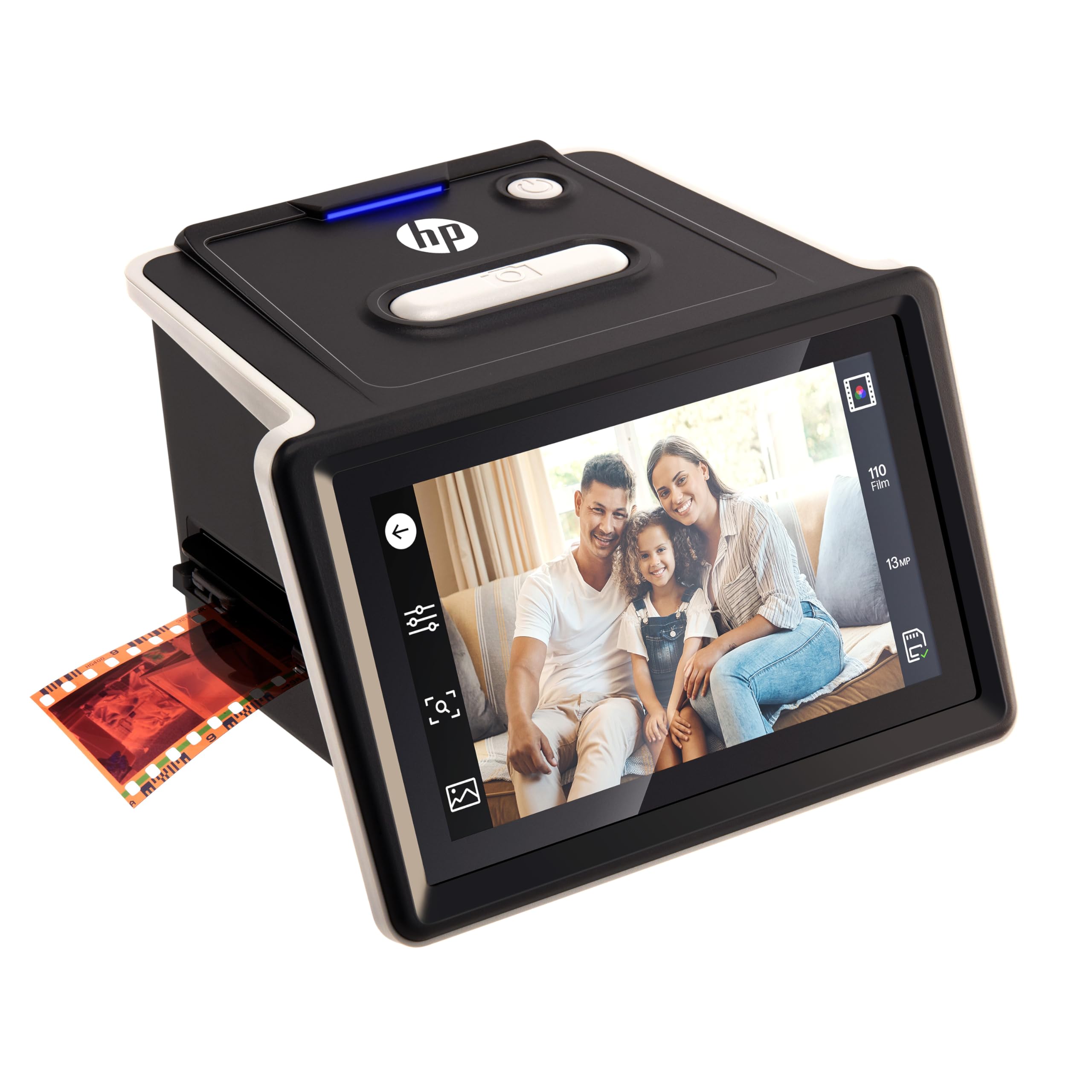
100+ ratings
Read Amazon ReviewsHP Film & Slide Scanner HPFS500
The HPFS500 is a useful comparison if a touchscreen preview and a stated computer compatibility range matter to you.
The Max better matches a buyer seeking its specified feed-tray approach and simple one-touch adjustments, provided its listed compatibility details fit the planned setup.
- The HPFS500 supports 135, 126, and 110 film, has a 5-inch touchscreen for previewing and editing, and saves to an SD card.
- It is powered through USB-C from a PC USB connection or an external 5V adapter; its listed operating system requirements are Windows 10 or later and macOS 10.15 or later.
- The Slide N Scan Max supports 135, 110, and 126 film and saves directly to SD/SDHC cards up to 32GB, with one-touch image adjustments.
Is Slide N Scan Max Worth It?
The KODAK Slide N Scan Max is worth considering for home archiving when your collection includes 135, 110, and 126 slides or negatives and you value saving directly to a card.
Its feed tray and one-touch adjustments aim to keep the process approachable, while the compact form suits a home scanning station that can be put away between sessions.
Treat the resolution figures and computer compatibility as purchase checks, especially if you expect large prints or need a specific operating system.
For routine digitizing and sharing of a mixed-format family collection, its format support and standalone workflow make it a sensible option to compare.
Your review at a glance
1,000+ ratings
Read Amazon ReviewsKODAK Slide N Scan Max
A practical fit for digitizing mixed 35mm, 110, and 126 film collections without making a computer central to every scan.
- Supports 135, 110, and 126 film formats, including slides and color or black-and-white negatives.
- Uses a CMOS sensor listed at 13MP, with output up to 4208 × 3120 through 22MP interpolation.
- Saves scans directly to SD or SDHC cards up to 32GB.
- A smooth-moving tray is designed to feed film with less frequent repositioning.